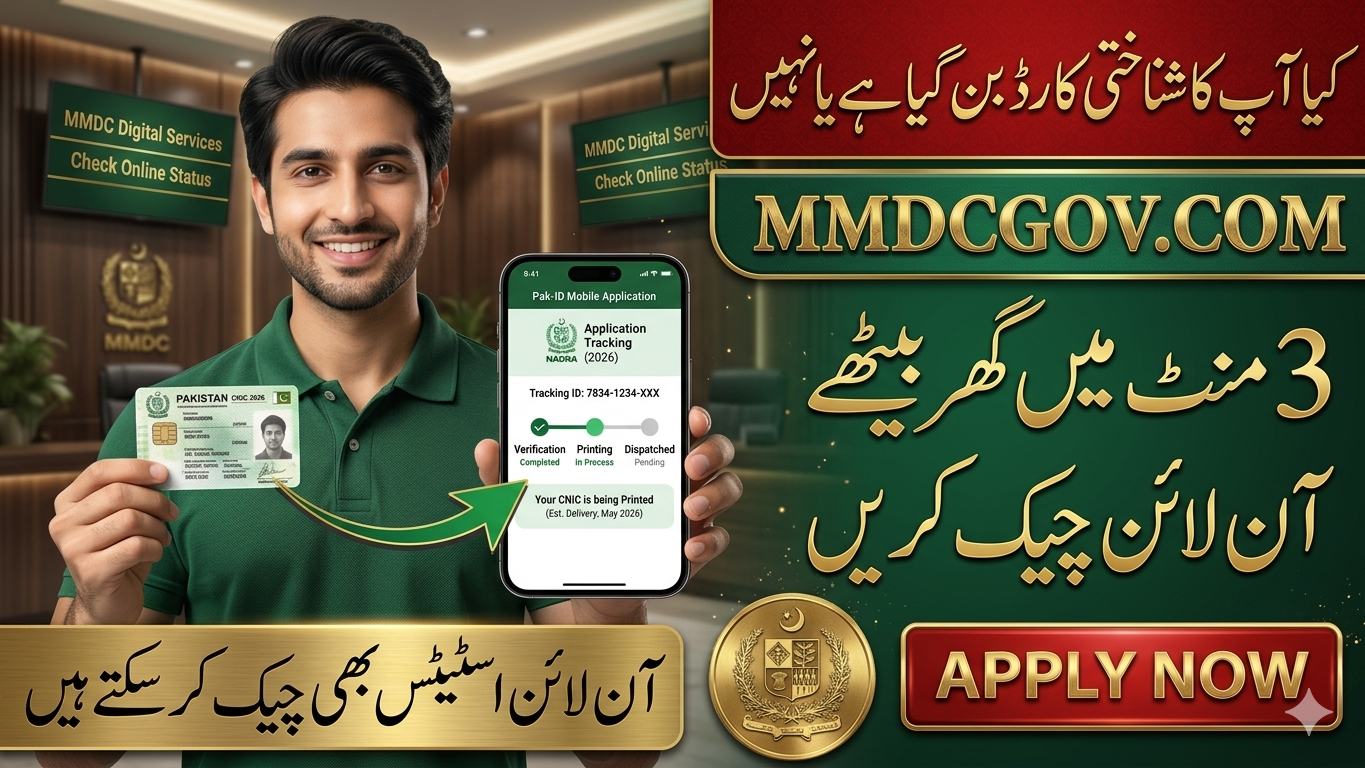
Track NADRA ID card application online in 2026 via Pak-ID Web Portal, Mobile App, and SMS (8400). Learn step-by-step methods to monitor CNIC, NICOP, and renewal applications.
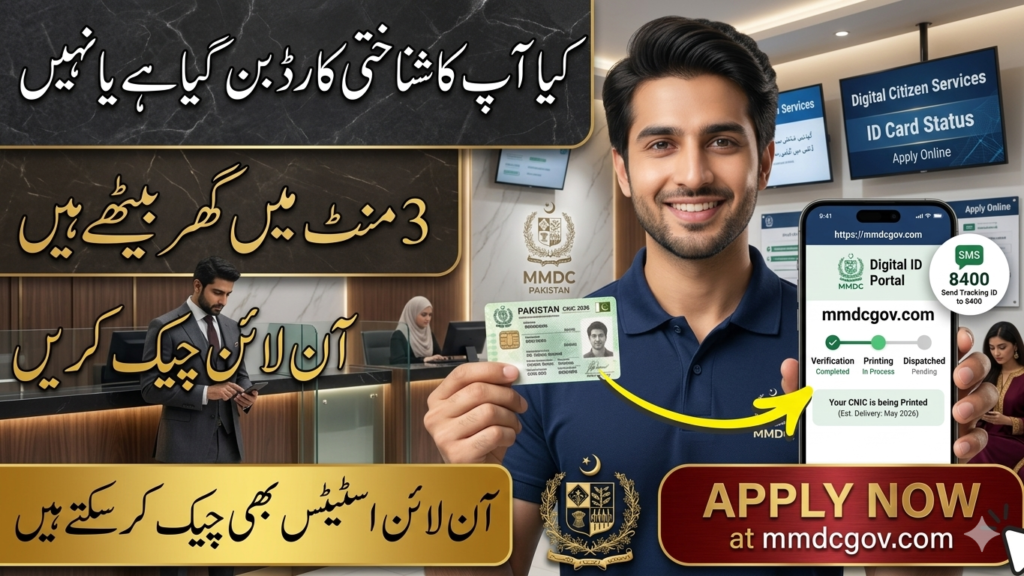
Tracking your NADRA ID card application in 2026 has become easier than ever. Whether you applied for a new CNIC, renewed your existing card, or submitted a NICOP application for overseas Pakistanis, NADRA provides multiple convenient digital methods to monitor your application status in real time.
Why Tracking Your NADRA Application Is Important
- Monitor verification and printing stages
- Know when your card is dispatched
- Avoid unnecessary visits to NADRA offices
- Stay updated about delays or issues
- Receive delivery and collection updates on time
- Track NADRA ID Card Application.
NADRA has integrated its services into the Pak-ID system, making the process simple and user-friendly.

Methods to Track NADRA ID Card Application Online
NADRA currently offers three official ways to track your application status:
- Pak-ID Web Portal
- Pak-ID Mobile Application
- SMS Tracking Service (8400)
- Track NADRA ID Card Application.
Track NADRA Application Through Pak-ID Web Portal
Step-by-Step Process:
- Visit the official Pak-ID Website: www.nadra.gov.pk
- Log in with your registered email and password
- Open the “Existing Applications” section
- Enter your 12-digit Tracking ID (found on receipt or confirmation email)
- View real-time status:
- Under Verification
- In Process
- Printing
- Dispatched
- Ready for Collection
Track NADRA Application Using Pak-ID Mobile App
Features of the Pak-ID App:
- Real-time notifications
- Biometric login for security
- Application history
- Delivery tracking
How to Use:
- Download the app (Android/iOS)
- Sign in with your email and password
- Open the Tracking Section to view updates
- Track NADRA ID Card Application.
Track NADRA ID Card via SMS (8400)
Procedure:
- Open your phone’s messaging app
- Type your 12-digit Tracking ID
- Send SMS to 8400
- Receive an instant reply with your application status
Read more; Bank of Punjab Jobs 2026 – Branch Manager Vacancies | Apply May 09
NADRA Tracking Methods Comparison
| Tracking Method | Requirements | Expected Outcome |
|---|---|---|
| Pak-ID Web Portal | Login + Tracking ID | Detailed progress |
| SMS Service (8400) | Mobile phone + Tracking ID | Quick text update |
| Pak-ID Mobile App | Email/Biometric login | Real-time notifications |
Understanding NADRA Application Status Messages
- Under Verification: Application details being verified
- In Process: Internal processing ongoing
- Printing: CNIC/NICOP is being printed
- Dispatched: Card sent to courier or NADRA center
- Ready for Collection: Card available for pickup
Processing Times in 2026
- Normal Service: ~30 days
- Urgent Service: ~15 days
- Executive Service: ~7–10 working days
What to Do If Your Status Is Not Updating
Possible Reasons:
- Verification delays
- Incorrect documents
- Biometric mismatch
- Technical updates
- Public holidays
Recommended Actions:
- Wait for standard processing time
- Contact NADRA helpline if delays exceed timeframe
- Visit nearest NADRA center with receipt/token
Helpline Numbers:
- Mobile Users: 1777
- Overseas & Landline: +92 51 111 786 100
FAQs – NADRA ID Card Tracking 2026
Q1: Where can I find my Tracking ID? On your NADRA token receipt or confirmation email.
Q2: What does “Dispatched” mean? Your card has been printed and sent for delivery/collection.
Q3: Is SMS tracking free? No, standard SMS charges apply.
Q4: Can I track NICOP applications? Yes, via Pak-ID portal and mobile app.
Q5: What if I lost my tracking receipt? Recover details by logging into your Pak-ID account or contacting NADRA support.

Conclusion
The NADRA ID Card Tracking System 2026 has made it simple for citizens to monitor their CNIC, NICOP, and renewal applications without repeated office visits. Using the Pak-ID web portal, mobile app, or SMS service, applicants can stay updated at every stage of the process.
Keep your Tracking ID safe and rely only on official NADRA platforms for secure updates.

Read More: Ehsas program 2026 Apply Now